
HappyMod iOS / iPhone / iPad
Are you looking for HappyMod on your iPhone or iPad? You’ve likely seen many videos claiming you can install it, but here is the official truth and the best working solutions for Apple users in 2026.
Are you looking for HappyMod on your iPhone or iPad? You’ve likely seen many videos claiming you can install it, but here is the official truth and the best working solutions for Apple users in 2026.
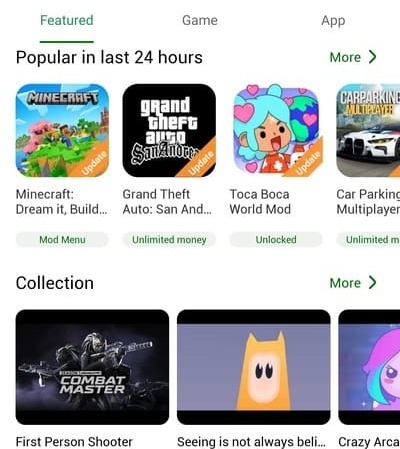
The short answer is No. HappyMod is natively an Android platform that uses .apk files. There is currently no official HappyMod app on the Apple App Store, and the developers have not released an official .ipa file for iOS.
Warning: Be careful of websites asking you to install "configuration profiles" or complete "human verification" to get HappyMod on iOS. These are often scams or could put your device at risk.
Even without a native app, you can still access the world of mods on your iPhone or iPad using these verified methods:
Using the HappyMod Web Version is 100% safe because it doesn't require you to jailbreak your phone or bypass Apple's security settings. If you choose to use alternatives like AltStore, always ensure you are downloading from the official source.