HappyMod icon HappyMod
Official Site

HappyMod PC / Windows 10/11

Experience the world’s largest modded APK marketplace directly on your big screen. While HappyMod is natively an Android application, you can easily run it on Windows 10 and Windows 11 to enjoy enhanced gaming with better controls, higher FPS, and superior graphics.
PC setup steps

🌟 Key Features for PC Users

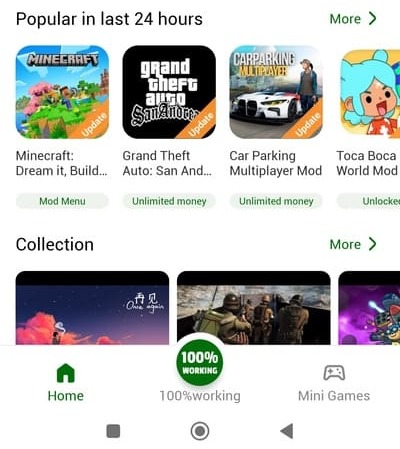
  • Massive Library: Access over 500,000+ working mods for popular games like Roblox, Minecraft, and Toca Boca.
  • Big Screen Advantage: Play mobile games in full HD or 4K resolution without worrying about battery drain.
  • Custom Keymapping: Use your keyboard and mouse to gain a competitive edge in action and strategy games.
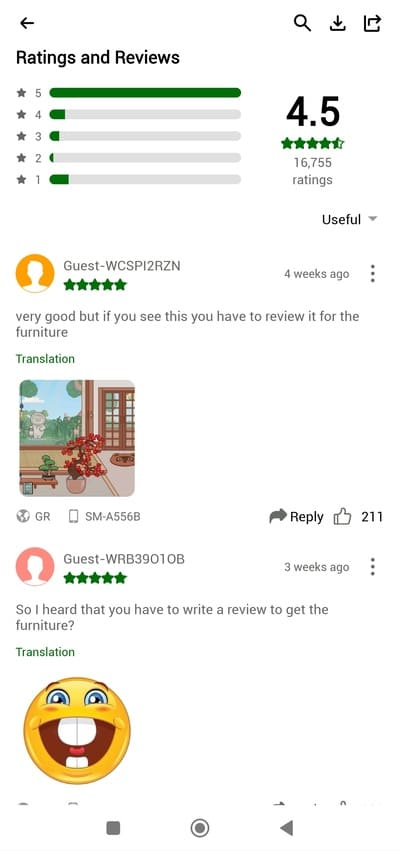
  • Fast & Secure: High-speed servers ensure quick downloads, and the community-based rating system helps you find the safest mods (look for the "Working" percentage).
  • Multi-Instance Support: Run multiple games or accounts simultaneously on your Windows desktop.
How to install HappyMod on Windows

🚀 How to Install HappyMod on Windows 10/11

Since HappyMod is an .apk file, you need an Android Emulator to bridge the gap. Follow these 3 simple steps:

  • Step 1: Download an Emulator
    Choose a reliable Android emulator. Recommended options: BlueStacks 5/10 (most popular and user-friendly), LDPlayer 9 (optimized for high-performance gaming), and NoxPlayer (great for multi-tasking).
  • Step 2: Download HappyMod APK
    Visit happymod-app.com on your PC browser and click the "Download for PC" button to get the latest version (v3.3.1).
  • Step 3: Install and Play
    Open your emulator, drag and drop the downloaded HappyMod.apk into the emulator window, then open HappyMod, search your favorite game, and start modding.
Safety and reliability checks

🛡️ Safety & Reliability

  • Community Verified: Every mod is tested by millions of users. Only download mods with a high "Green" working status.
  • VirusTotal Scanned: For maximum security, run any downloaded files through a scanner before installation.
  • No Root Required: You can enjoy almost all features without modifying your system files.